You edit your site in its admin, a private area only people with an account can open. To get there, add /admin to the end of your website's address, for example www.yourbakery.co.uk/admin. Bookmark it so it's easy to find next time.
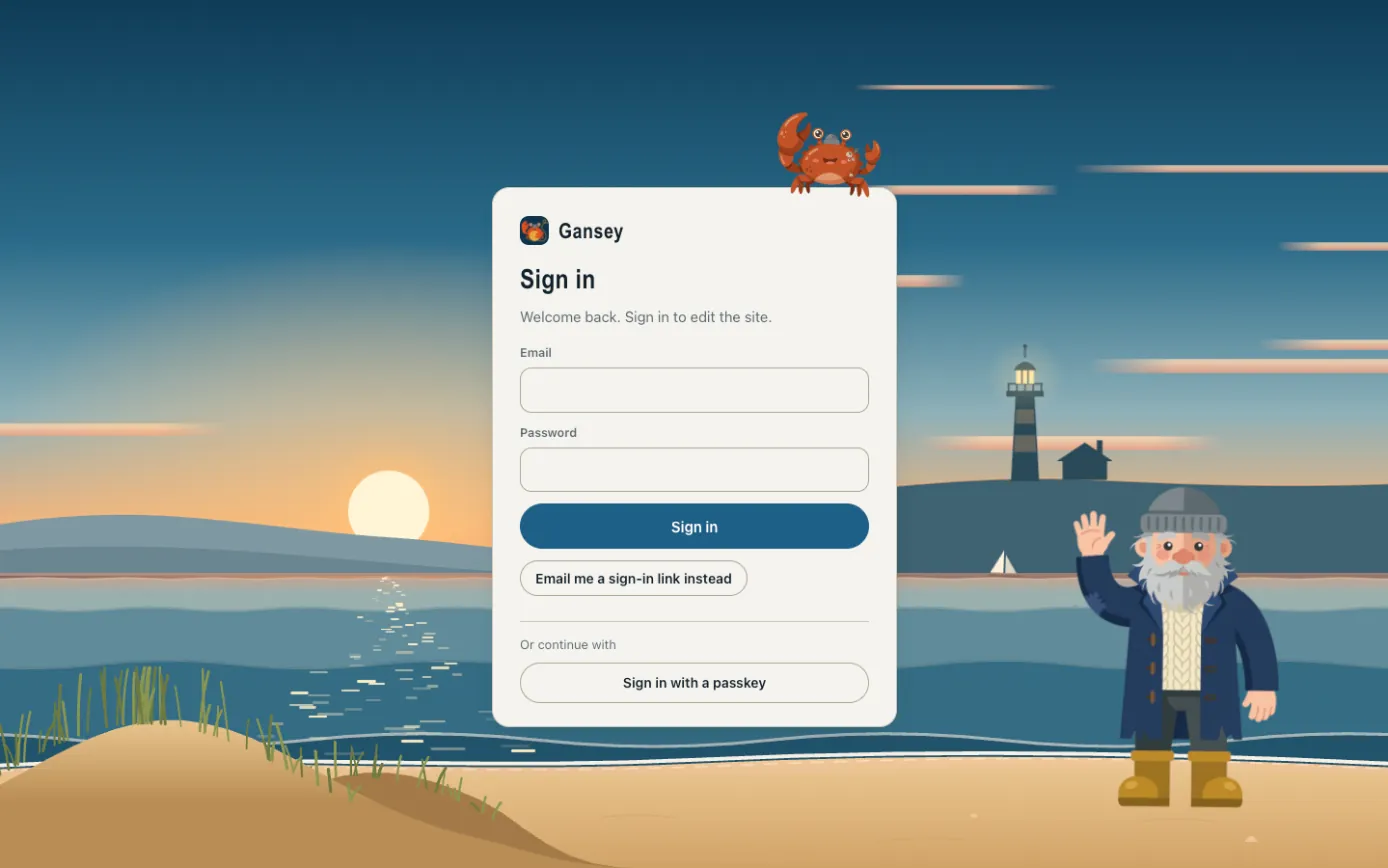
Signing in with your password
- Type the email address your account uses.
- Type your password.
- Click Sign in.
Signing in without a password
Click Email me a sign-in link instead, type your email address, and we'll send you a link. Open the email and click the link to go straight in. This is handy if you've forgotten your password.
If you've set up a passkey (see Your account), click Sign in with a passkey and use your fingerprint, face or device code instead.
When you've finished
You stay signed in on that computer for a while. On a shared computer, sign out when you're done: click your initials in the top right corner, then Sign out.