Modules add features to your site, such as contact forms, a blog, a cookie banner or a shop. You need to be an administrator to add them.
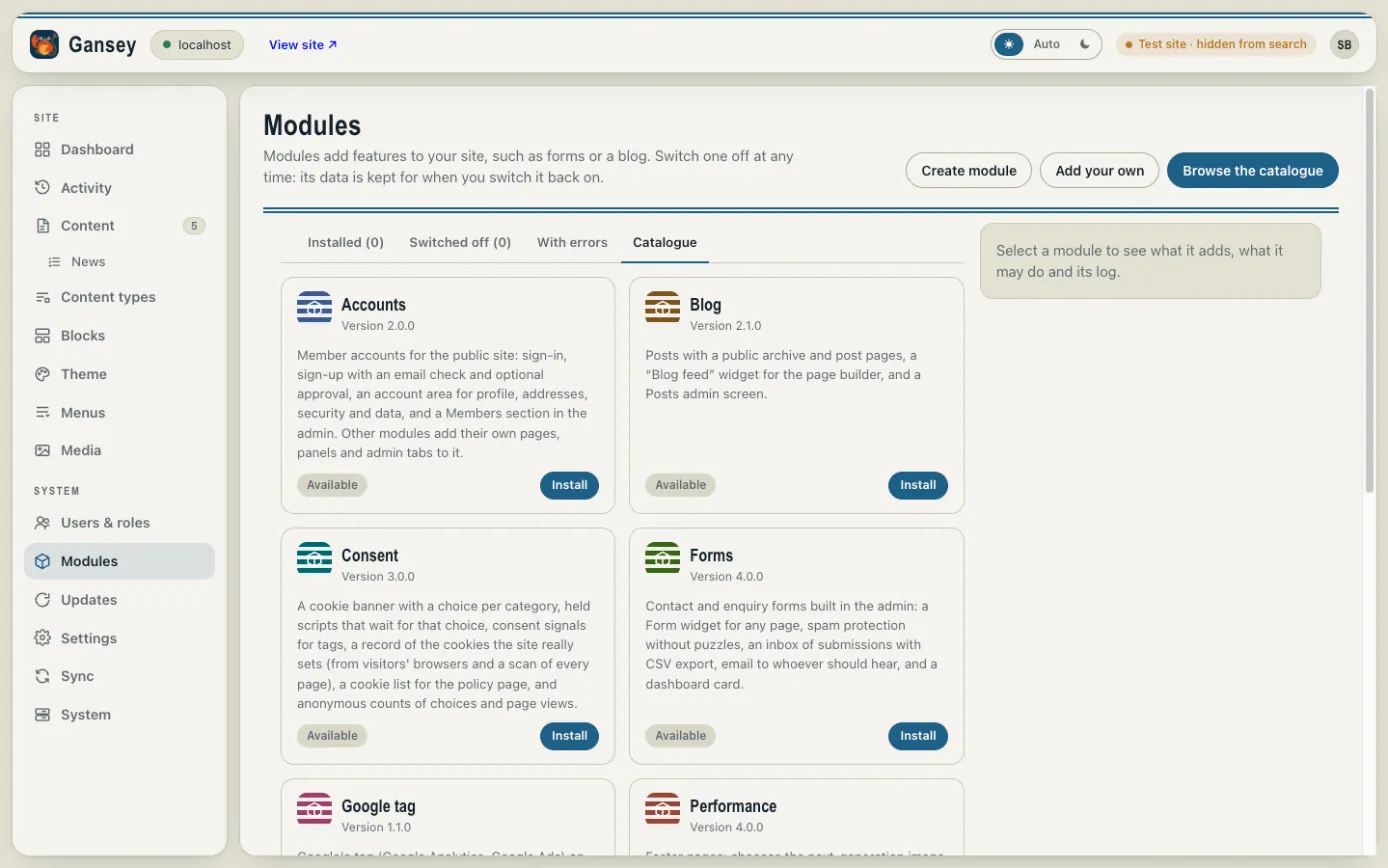
Adding a module
- Click Modules in the menu.
- Click Browse the catalogue.
- Read what each module does, and click Install on the one you want.
The module's own screens then appear in the admin's menu. Some modules also add widgets to the page builder, such as a Form widget you can place on any page.
Some modules are paid for. Their page in the catalogue says so and how to buy them.
Switching a module off
Select an installed module to see what it adds and switch it off. Switching off keeps all its information, so nothing is lost if you switch it back on later.