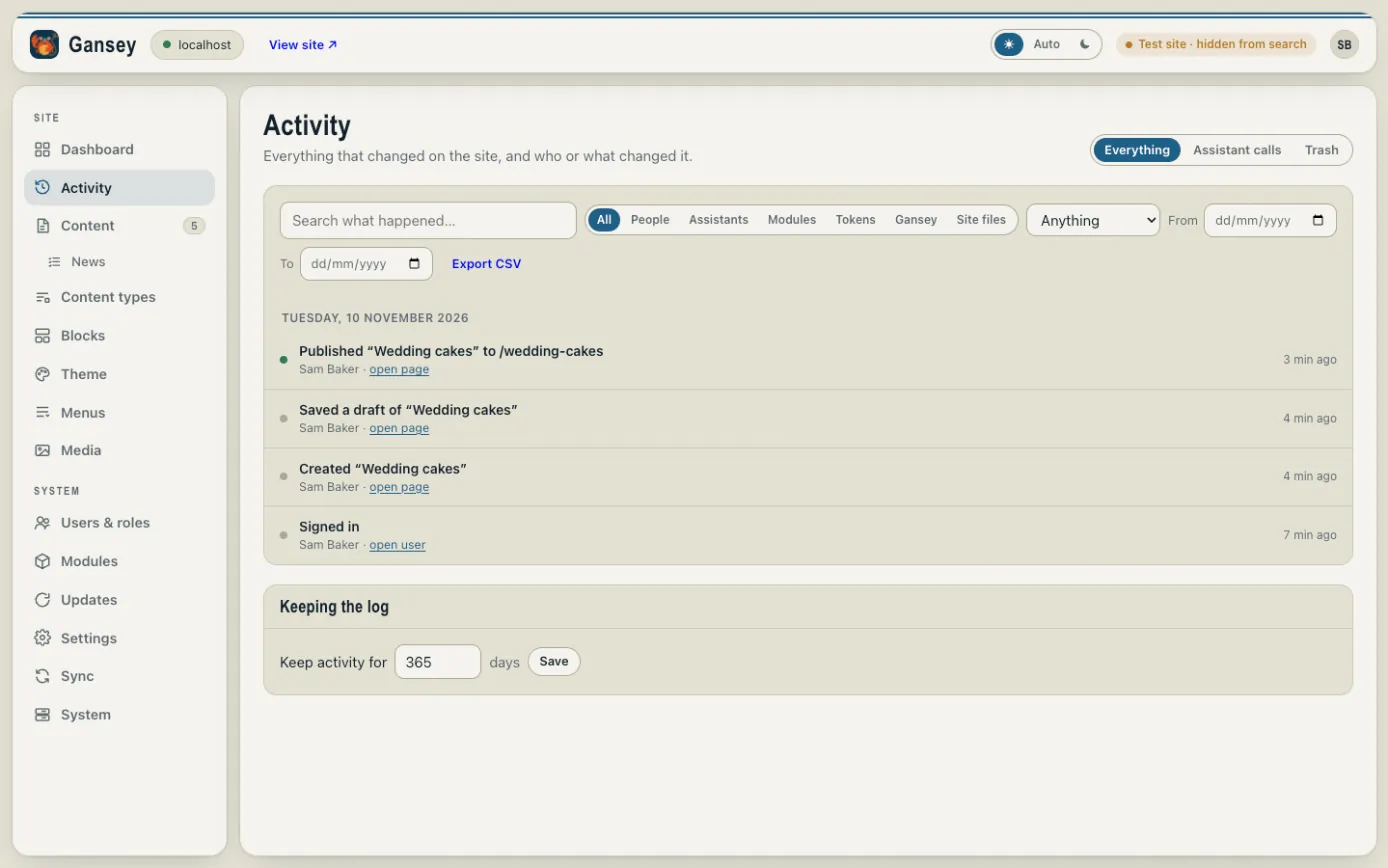
Activity lists everything that has changed on your site, newest first, and who changed it: pages published, posts saved, pictures uploaded, people signing in and more.
Finding something
- Type in Search what happened… to find a change by name.
- Use People, Modules and the other buttons to show only changes made by them.
- Use the Anything drop-down to show one kind of change, such as only pages or only media.
- Set From and To dates to look at a particular week.
- Export CSV downloads the list as a spreadsheet.
Click open page (or open user, and so on) under a change to go straight to what was changed.
Trash
The Trash tab holds things deleted by assistants (AI tools connected to your site) for 30 days. Bring something back as a draft, or delete it for good.
How long it's kept
Under Keeping the log you can choose how many days of activity to keep. It's a year to start with.