Gansey gets regular updates with improvements and fixes, and keeps backups of your site so nothing is lost.
Updates
Click Updates in the menu to see which version your site is on and what changed in it.
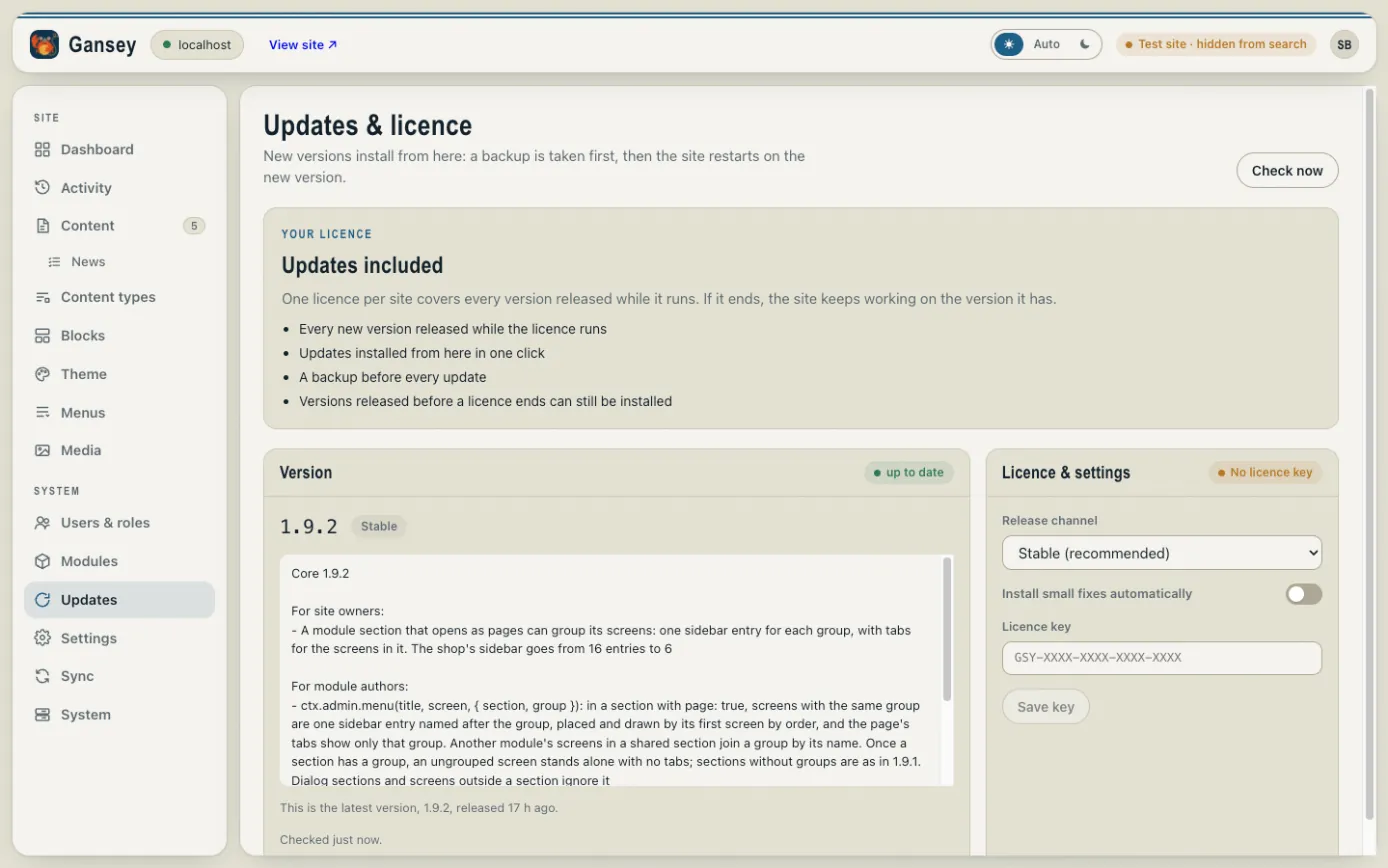
When a new version is out, this screen says so and you can install it from here. A backup is taken first, then the site restarts on the new version; it's only away for a moment. Click Check now to look for a new version straight away.
Updates need a licence. One licence covers one site and every version released while it runs. If a licence ends, the site keeps working on the version it has. Enter your licence key under Licence & settings.
Backups
Open Settings, then the Backups tab.
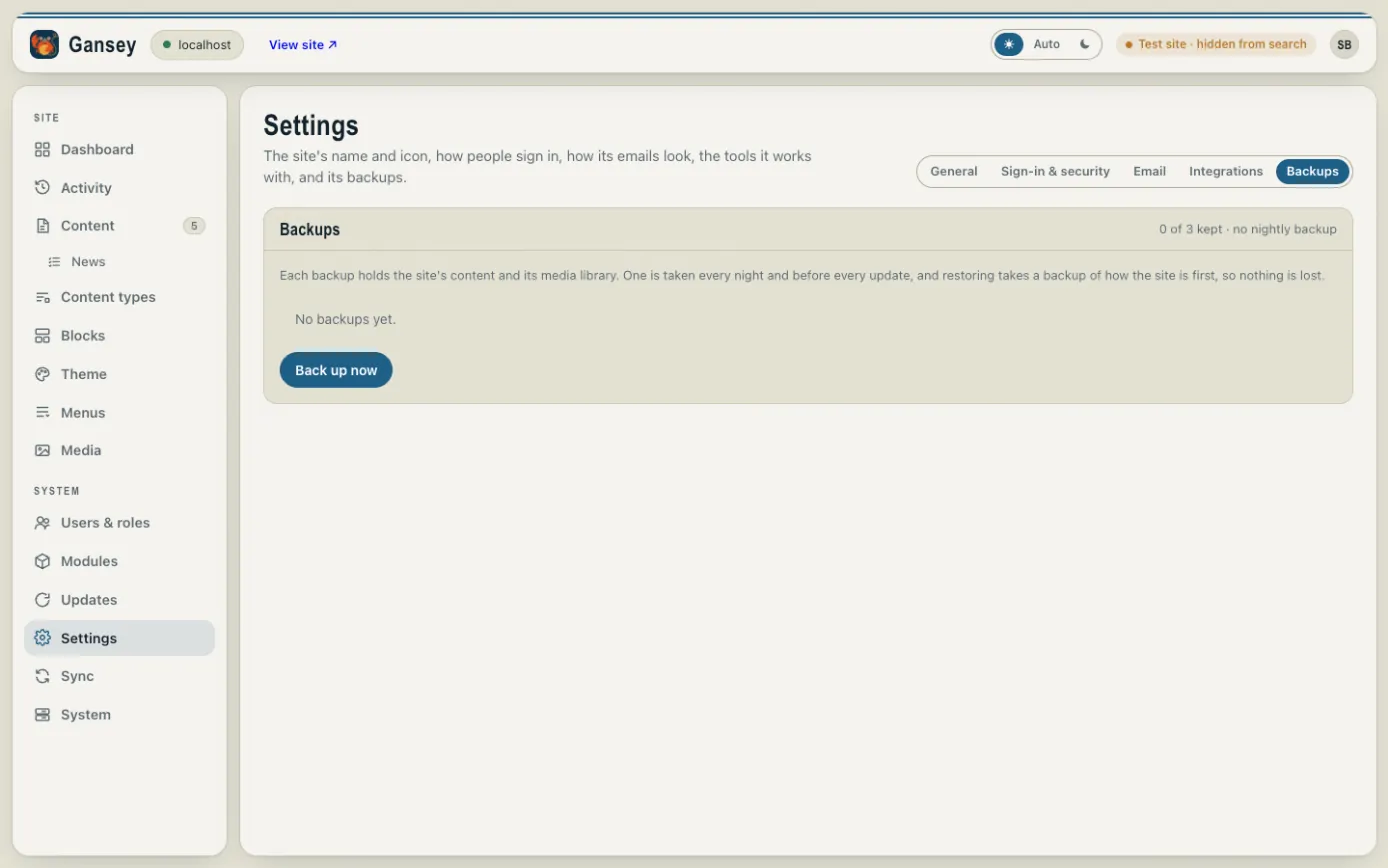
A backup holds all of your site's content and its media library. One is taken every night and before every update, and the most recent are kept.
- Click Back up now to take one yourself, for example before a big change.
- To go back to a backup, choose it in the list and restore it. Gansey backs up the site as it is first, so you can always undo a restore.