Settings holds things that apply to the whole site.
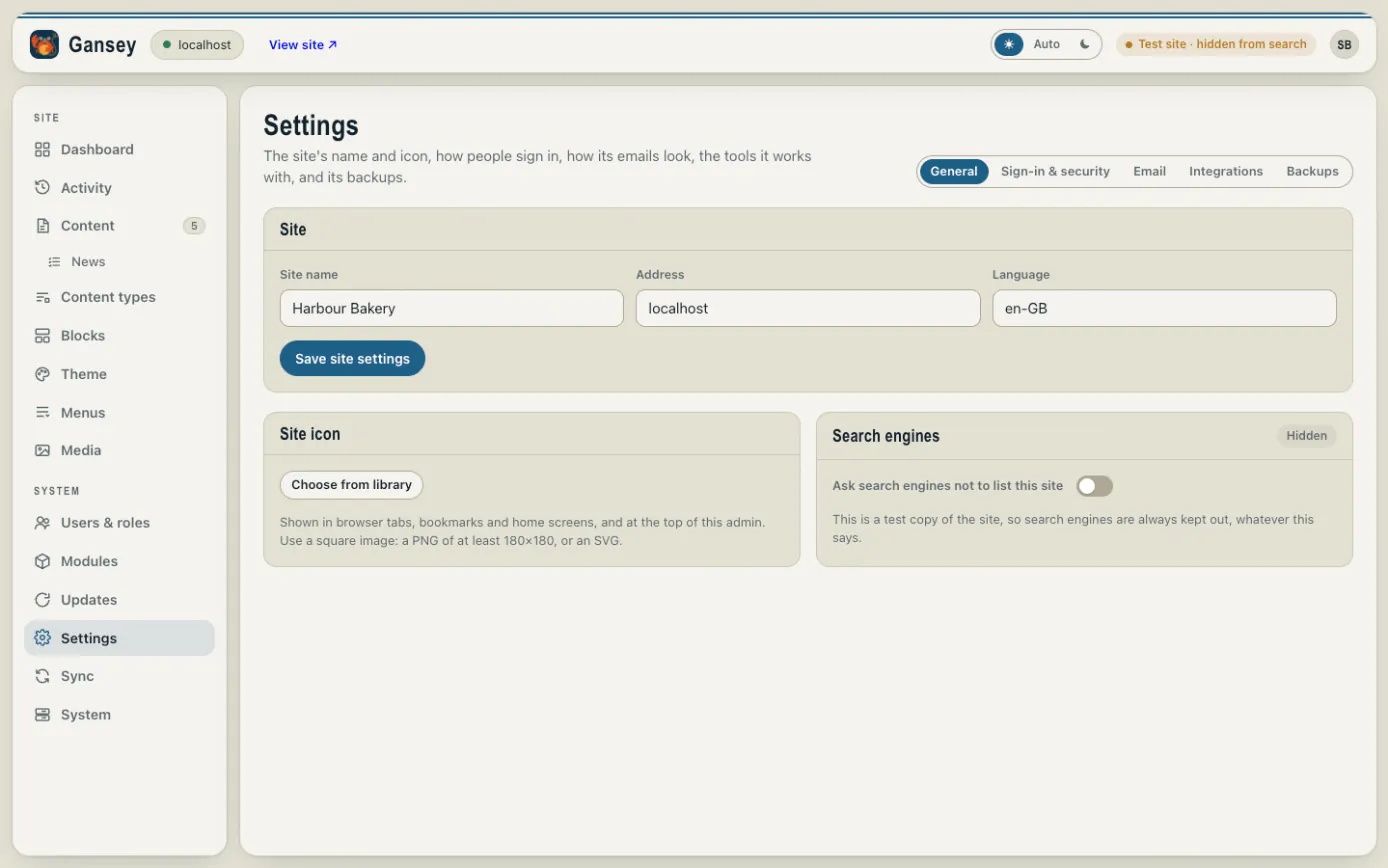
General
- Site name: your business or site's name.
- Language: the language your site is written in.
- Site icon: the small picture shown in browser tabs and bookmarks, and at the top of the admin. Choose a square picture from your media library.
- Search engines: leave Ask search engines not to list this site off for a live site, or search engines such as Google won't show it.
Click Save site settings after making changes.
The other tabs
Sign-in & security, Email and Integrations are usually set up once by whoever built or hosts your site. Backups is covered in Updates and backups.